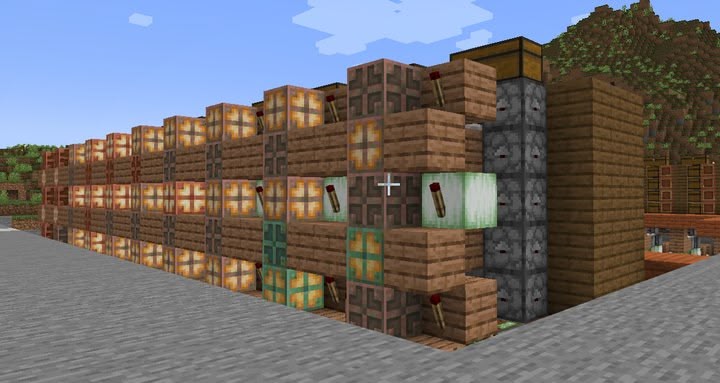
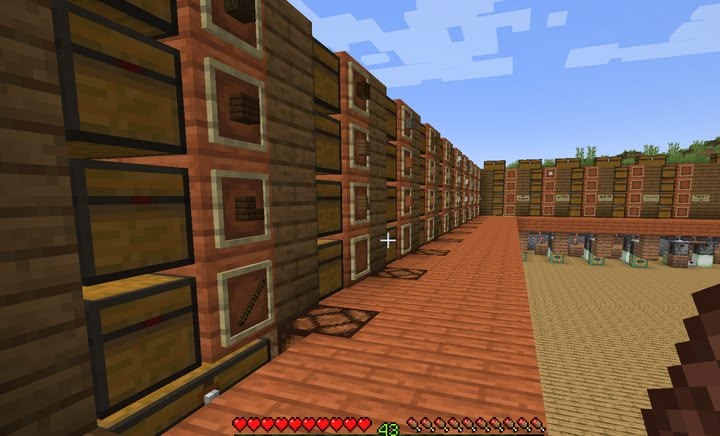
The entire item flow is finished and I added some lamps to see where items are flowing from the inside. I also started configuring where major item types should go. Wood and stone types were pretty easy, but organizing rarer items is a bit more challenging to make sense and findable.
I also found out the system is a lot slower than I expected. Sorting an entire inventory, even without shulker boxes, may take 30+ minutes. But as it keeps processing regardless of where I am in the world, that shouldn't be a major issue if I don't drop in items I plan to use again shortly, or have sufficient spare ones of.
Perhaps I can even speed it up with faster clocks, though there's probably a reason the tutorial didn't. Maybe the creator chose the slow clock because a faster one makes sortable items pass their destination and having to be put in again. That may still give a faster result despite some extra work though. Another reason might be the costs of building, which isn't really an issue for me as I built it in relatively late game, or space requirements but it's easy to create some more as long as it's only lengthwise. We'll see what I can do.
This page is a permanent link to the reply below and its nested replies. See all post replies »
@HootyTheNightOwl no, those are torches that are part of the powering to keep items flowing. These are the lamps showing if a module is processing items: