


This page is a permanent link to the reply below and its nested replies. See all post replies »

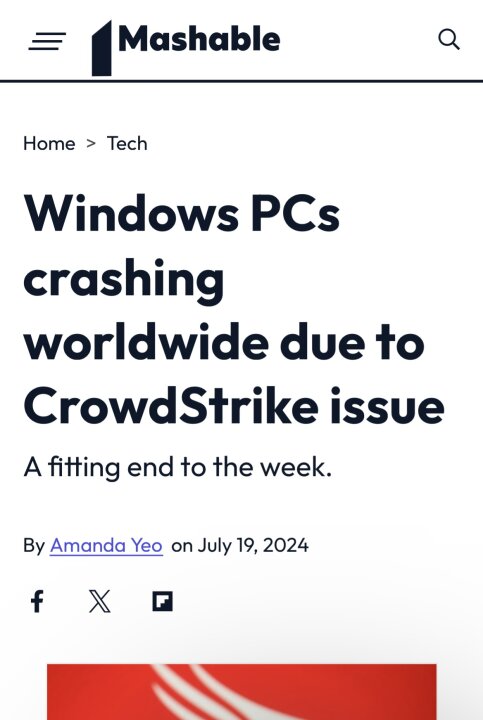
Microsoft has apparently traced the root of this issue to a recent update from CrowdStrike. And CrowdStrike has acknowledged the issue. CrowdStrike provides security services to government agencies like airports, etc.
I guess only government agencies run systems might be experiencing the issue of BSOD after reboot.
For now there is no automatic solution to the CrowdStrike problem. But the company has offered a manual solution in a note to its customers, if you face CrowdStrike BSOD issue. It says:
1. Boot Windows into Safe Mode or WRE.
2. Go to C:\Windows\System32\drivers\CrowdStrike
3. Locate and delete file matching “C-00000291*.sys"
4. Boot normally.
I guess only government agencies run systems might be experiencing the issue of BSOD after reboot.
For now there is no automatic solution to the CrowdStrike problem. But the company has offered a manual solution in a note to its customers, if you face CrowdStrike BSOD issue. It says:
1. Boot Windows into Safe Mode or WRE.
2. Go to C:\Windows\System32\drivers\CrowdStrike
3. Locate and delete file matching “C-00000291*.sys"
4. Boot normally.


ElwoodBlues · M